How to Use Instagram Photo Downloader Safely & Securely
Essential security precautions to protect your device avoid deceptive pop ups and respect copyright and creator ownership.
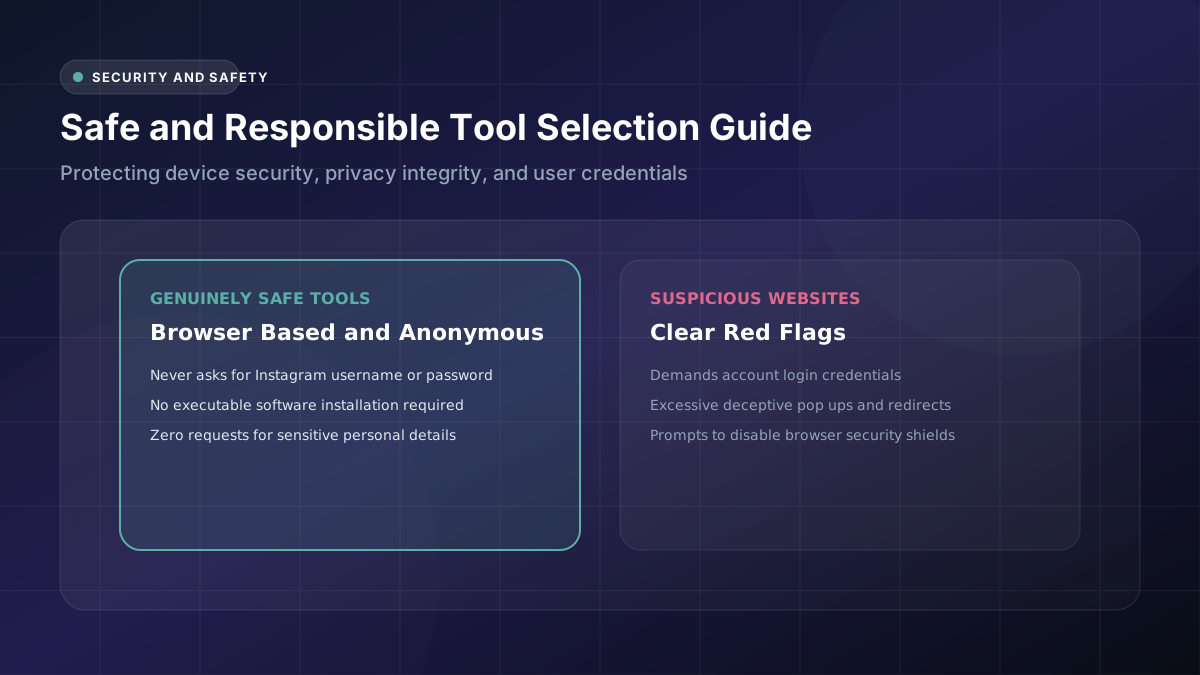
Not every single downloader website circulating online genuinely deserves your trust or confidence. Knowing exactly what meaningfully separates a safe, reputable tool from a genuinely risky one effectively protects both your personal device and your sensitive personal information.
What Should You Check Before Using a Downloader?
Look carefully for a clean, straightforward interface that’s noticeably free of excessive pop-ups or distracting flashing advertisements scattered throughout the page. Genuinely legitimate Instagram photo downloader websites consistently keep their overall design simple, focused, and clearly purpose-built.
Take a few extra minutes to read through some user reviews before committing to an unfamiliar tool you’ve never used before. A quick, simple search often reveals clearly whether other previous users happened to encounter serious problems involving malware or unwanted, unexpected software downloads.
How to Recognize Suspicious Download Websites
Excessive advertisements, forced page redirects, and unusual requests for seemingly unnecessary permissions all serve as clear warning signals worth taking seriously. These particular red flags typically precede a genuinely suspicious website experience that you’ll definitely want to avoid entirely.
Trustworthy, legitimate tools rarely if ever ask you to disable your browser’s built-in security features for any reason. Any website making this particular kind of unusual request should be closed immediately, without any further interaction or engagement whatsoever on your part.
Why You Should Avoid Unnecessary Account Logins
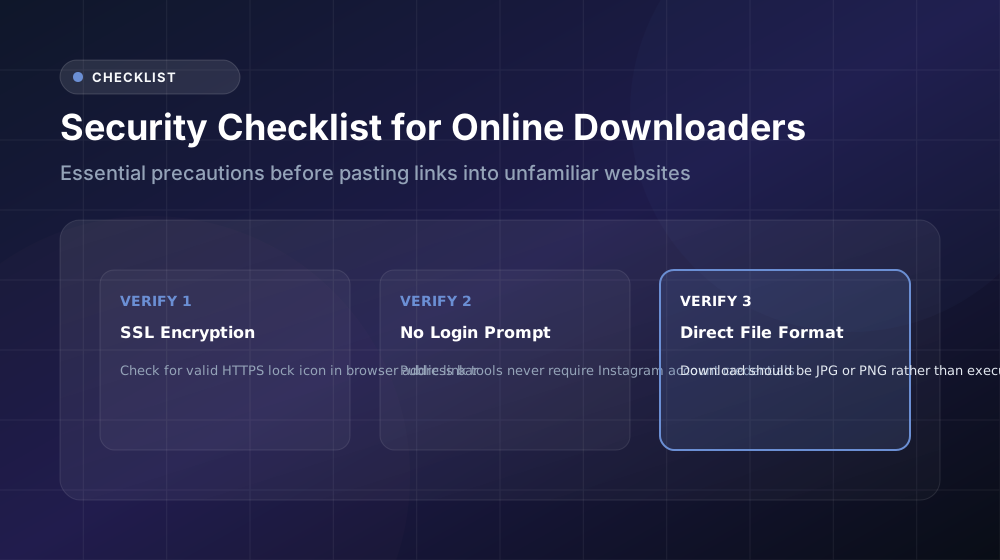
No genuinely legitimate downloader tool actually needs your real Instagram password in order to function correctly. Public post URLs already contain absolutely everything necessary for the download to succeed, without requiring any kind of Instagram account security compromise whatsoever on your end.
How to Protect Personal Information
Never enter sensitive details like your email address, phone number, or payment information on a free downloader website you’re not already familiar with. Genuinely legitimate tools simply don’t require this kind of personal information for basic, straightforward functionality to work properly.
Stick consistently to well-reviewed, widely recommended downloader options that other users have already vetted through their own personal experience. General popularity among other everyday users tends to correlate reasonably well with better overall safety records over time.
How to Avoid Suspicious Pop-Ups and Files
Some particularly deceptive pop-ups disguise malicious downloads as seemingly legitimate-looking buttons or official-seeming notifications designed specifically to trick unsuspecting users.
Installing a reliable, reputable ad blocker before using any unfamiliar downloader websites represents a genuinely smart precaution worth taking. This one simple, proactive step effectively prevents the majority of potential malware protection issues before they even have a real chance to start causing problems.
How to Check Downloaded Image Files
Run any newly downloaded files through your device’s built-in antivirus scanner before actually opening them, particularly when they’ve come from less familiar websites you haven’t personally used before this point.
This small extra precautionary step only takes a few seconds to complete, yet it genuinely provides meaningful peace of mind regarding both your downloaded files specifically and your overall device security more broadly speaking.
Public Photos vs Private Photos
| Content Type | Legal to Download | Legal to Repost Publicly |
|---|---|---|
| Public, properly credited | Generally considered acceptable | Only with explicit permission |
| Private | Not legally acceptable | Not legally acceptable |
| Your own personal posts | Always acceptable | Always acceptable |
This particular comparison table highlights an important, often overlooked distinction that plenty of everyday users genuinely tend to overlook entirely without realizing it.
Understanding Copyright and Ownership
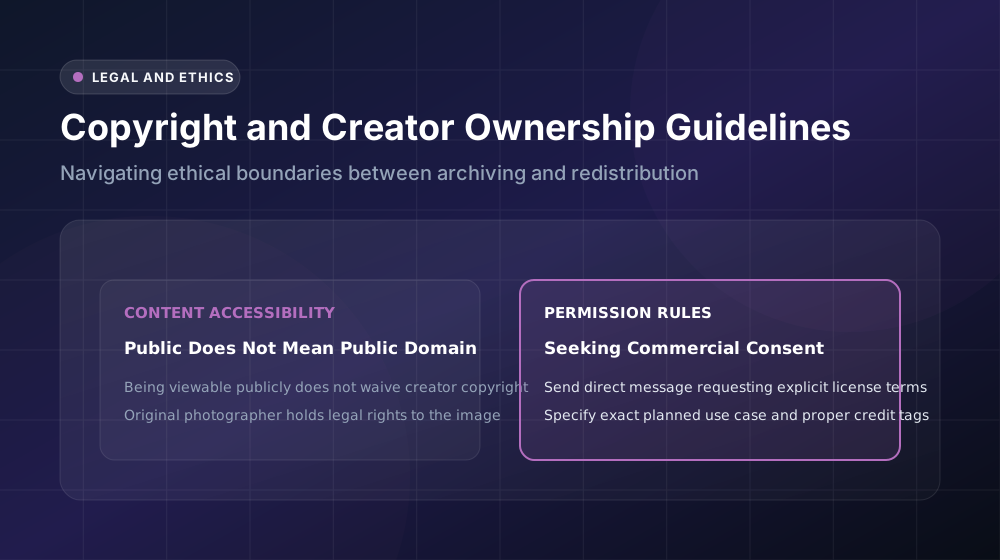
Simply downloading a particular photo doesn’t actually transfer legal copyright ownership over to you in any meaningful sense. The original content creator consistently retains full, complete ownership rights, regardless of how genuinely easy or accessible their particular content might currently happen to be.
This important legal principle applies even to completely public posts that anyone can freely view. Content availability and legitimate legal ownership genuinely remain two entirely separate, distinct concepts that are absolutely worth remembering going forward.
When You Have Permission to Reuse an Instagram Photo
Always take the extra step of messaging the original creator directly whenever you’re hoping to seek permission to reuse their particular work for commercial purposes or broader public sharing beyond personal use. Most creators genuinely appreciate being properly asked first, rather than having their work simply assumed upon without any prior consultation.
Conclusion
Using an Instagram image tool genuinely safely ultimately comes down to a healthy dose of common sense combined with just a little bit of ongoing caution. Avoid suspicious login requests, stay alert for unexpected pop-ups, and always make a point to respect creator rights consistently afterward. Follow these straightforward habits regularly, and you’ll continue downloading confidently, without ever having to worry much about looking back with any genuine regret.